1. In addition to the Administrator username and password, the Administration Portal can optionally be secured by Two Factor Authentication
2. To enable Two Factor Authentication, hover the cursor over your user name at the top right of the "Users" menu.
3. Select '2 Factor Auth' from the drop down menu that appears.
4. Detailed instructions as a downloadable PDF are available for your personal library at the bottom of this page 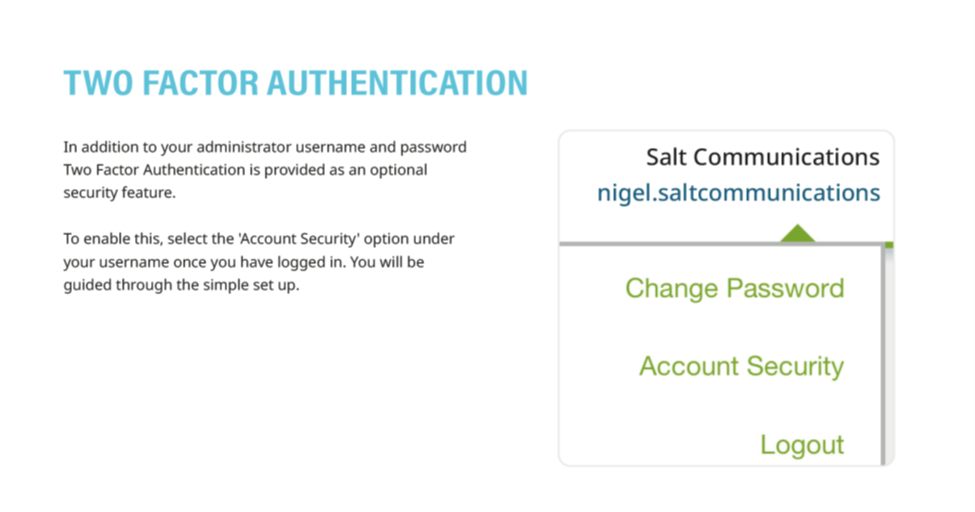
Was this article helpful?
That’s Great!
Thank you for your feedback
Sorry! We couldn't be helpful
Thank you for your feedback
Feedback sent
We appreciate your effort and will try to fix the article