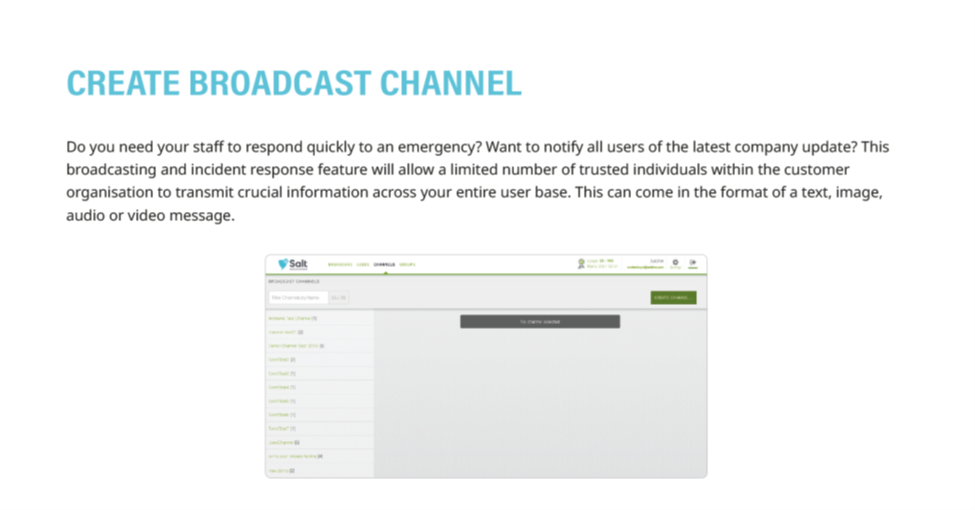
1. Create and name your Broadcast Channel by clicking the green 'Create Channel' button at the top right of the 'Channels' menu
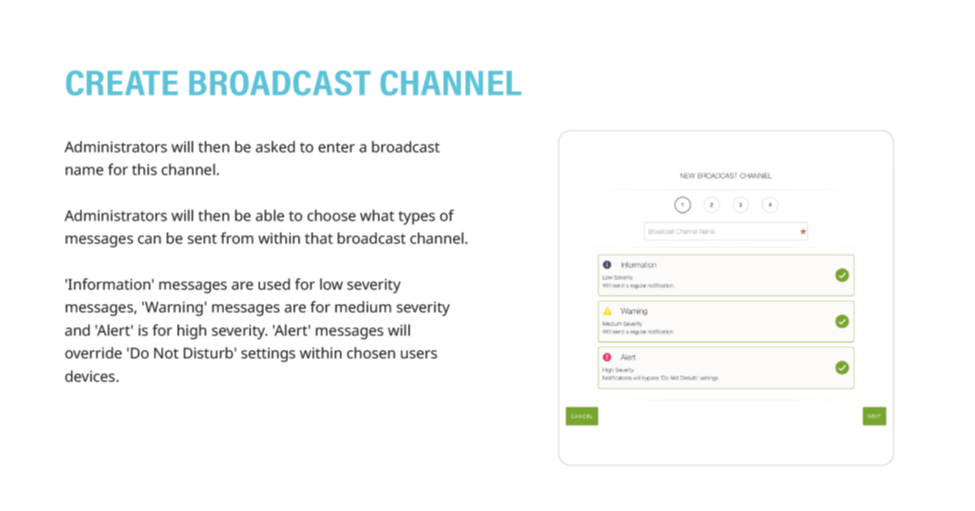
2. Choose what severity type of messages can be broadcast on your channel
3. (If selected, 'Alert,' or high-severity messages, will over-ride 'Do Not Disturb' settings on user devices)
4. Detailed instructions as a downloadable PDF are available for your personal library at the bottom of this page.
Was this article helpful?
That’s Great!
Thank you for your feedback
Sorry! We couldn't be helpful
Thank you for your feedback
Feedback sent
We appreciate your effort and will try to fix the article