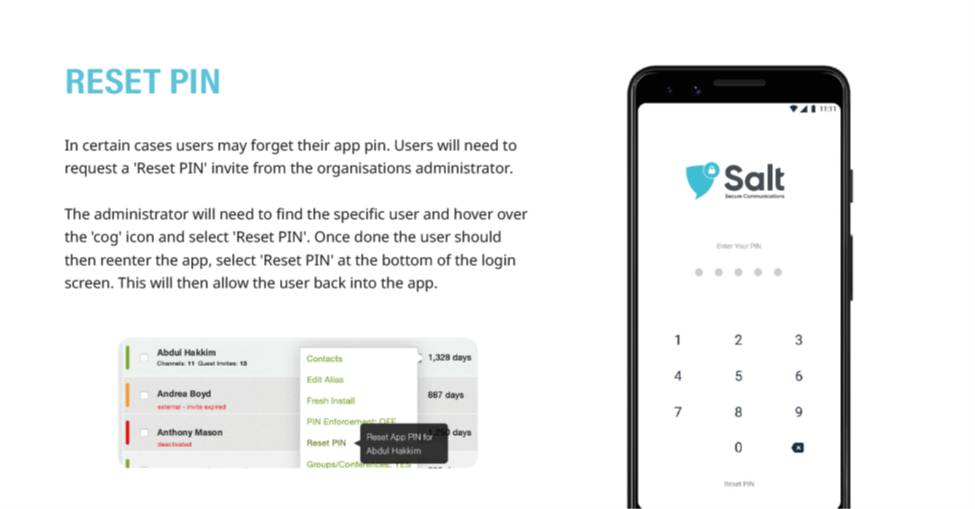
1. If a user's device application pin is forgotten, they must request a reset from the Portal Administrator
2. Hover the cursor over the 'cog' shaped settings icon to the right of the user name in the User menu, and select 'Reset Pin'
3. Detailed instructions as a downloadable PDF are available for your personal library at the bottom of this page
Was this article helpful?
That’s Great!
Thank you for your feedback
Sorry! We couldn't be helpful
Thank you for your feedback
Feedback sent
We appreciate your effort and will try to fix the article