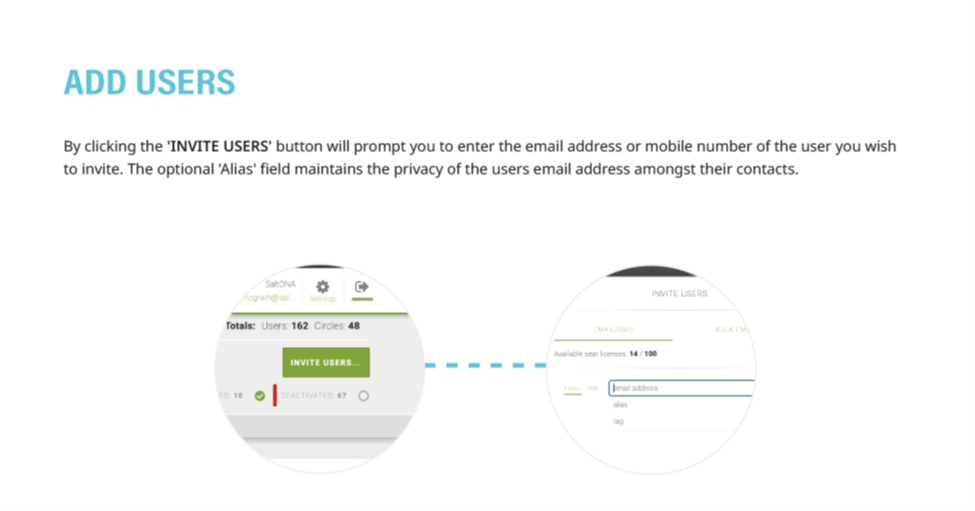
1. From the Users Menu, click the green 'INVITE USERS' button at the top-right of the screen
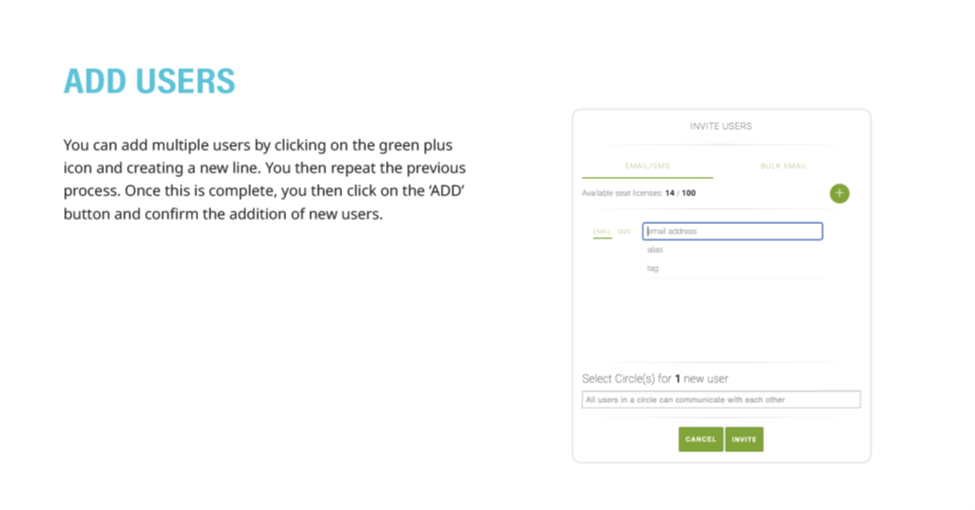
2. Users can be invited to download the application by either an email address or a mobile number
3. Multiple users can be added at once by clicking the green '+'
4. Once all users have been selected, click the 'ADD' button to confirm
5. Detailed instructions as a downloadable PDF are available for your personal library at the bottom of this page
Was this article helpful?
That’s Great!
Thank you for your feedback
Sorry! We couldn't be helpful
Thank you for your feedback
Feedback sent
We appreciate your effort and will try to fix the article